Tryst Link

Free browser-based QR tool

Free QR Code
Generatorprivate in your browser.

Create QR codes for URLs, text, vCards, Wi-Fi credentials, and more. Customize colors, size, quiet zone, and error correction, then download PNG or SVG. No account required.
No sign-upGenerated locallyPNG + SVGCommercial use
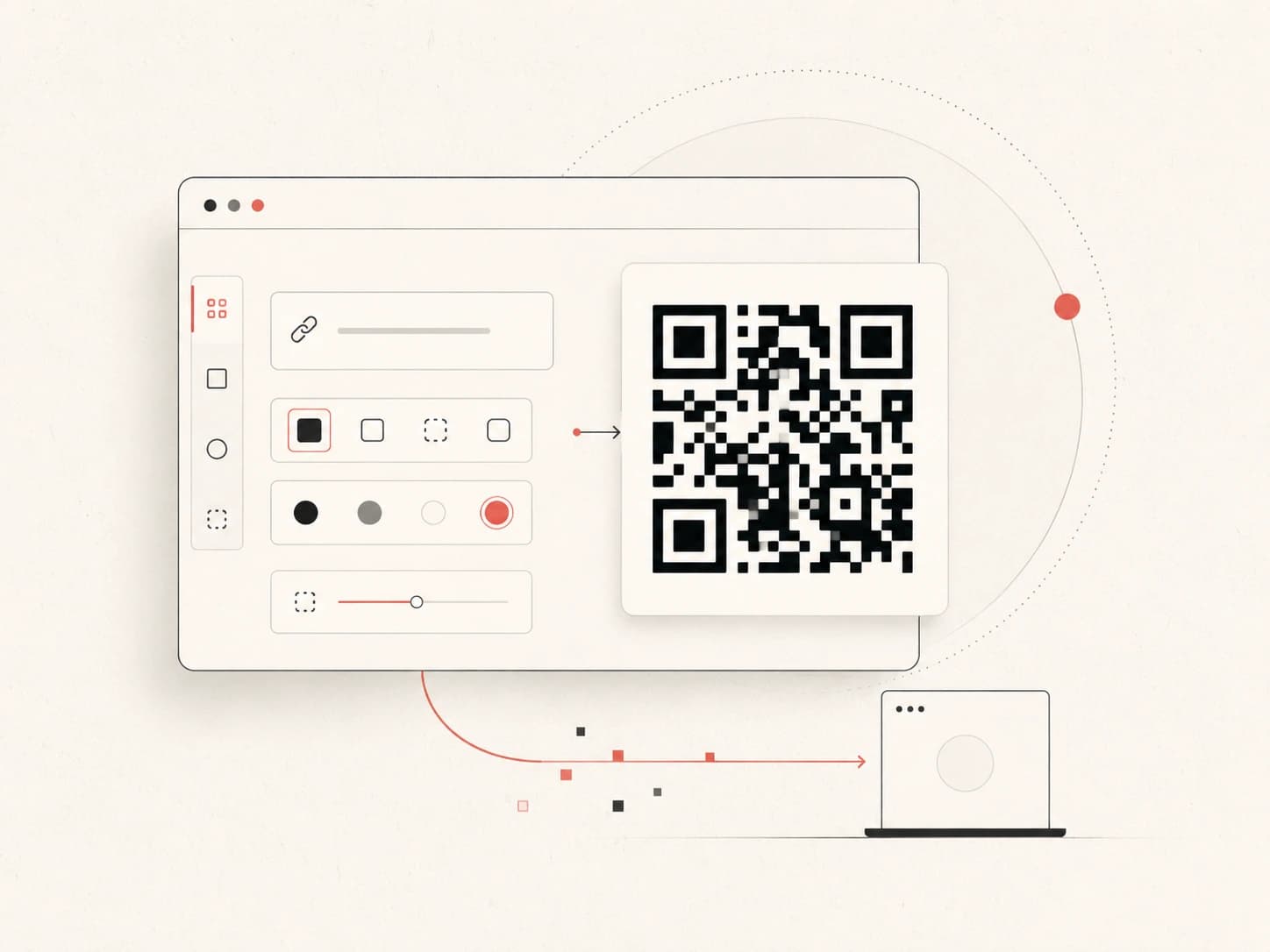
Illustration of a QR code being generated locally in a web browser
Static QR codes generated directly in your browser.

What it does

A QR code generator turns a URL, text, contact card, Wi-Fi credential, or other information into a scannable QR code. Tryst Link generates the code locally, so your QR content does not need to be uploaded just to create the image.

Tool

Create your QR code.

Enter your content on the left and the live preview updates as you change the settings.

QR code options

19 chars

~15% recovery

Live preview

Enter content to generate

Generated entirely in your browser. Nothing is uploaded, logged, or stored.

Why this generator

The useful parts,
without the ceremony.

Generated locally

The QR content is processed in your browser instead of being uploaded to a QR-generation service.

No account required

Open the page, create the code, download it, and move on. No registration step.

PNG and SVG

Use PNG for normal digital work or SVG when the code needs to scale cleanly for print.

Control the essentials

Adjust size, quiet zone, colors, and error correction without turning a simple tool into a design suite.

How to create a QR code

Four straight steps.

  1. 01

    Enter your content

    Paste a URL, plain text, vCard data, Wi-Fi credentials, or another text value into the content field.

  2. 02

    Choose error correction

    Select L, M, Q, or H. M works well for most screens, while Q or H is better for print and surfaces that may be damaged.

  3. 03

    Customize the QR code

    Adjust the size, quiet zone, foreground color, and background color while keeping strong contrast for reliable scanning.

  4. 04

    Download your QR code

    Download PNG for standard raster use or SVG for scalable print and design work.

Frequently asked

QR code generator
questions, answered.

What is a QR code generator?
A QR code generator converts text or structured information into a scannable two-dimensional code. This tool can encode URLs, plain text, vCard data, Wi-Fi credentials, and other text-based content.
Is the Tryst Link QR code generator free?
Yes. You can create and download static QR codes without an account, watermark, paid plan, or usage limit.
Does my QR code data leave my browser?
No. QR codes are generated locally in your browser. The content you enter is not uploaded to Tryst Link for QR generation.
Do QR codes generated here expire?
The static QR code itself has no expiry mechanism. If it contains a URL, that destination still needs to remain available for the code to keep leading somewhere useful.
What QR code error correction level should I use?
M is a good default for most screen-based uses. Q or H gives more recovery capacity for print, packaging, labels, or situations where part of the code may be scratched, covered, or damaged.
Can I download a QR code as PNG or SVG?
Yes. Download PNG for normal digital and raster use, or SVG when you need a vector file that can scale cleanly for print and large-format output.
Can I use these QR codes commercially?
Yes. You can use the QR codes you generate for business cards, packaging, posters, menus, product labels, websites, and other commercial or personal uses.
Why is my QR code not scanning?
The most common causes are weak contrast, a quiet zone that is too small, excessive encoded content, or a code printed too small. Use a dark foreground on a light background, increase the quiet zone, and test the final code before publishing or printing it.