
Account-managed links
Create once, manage later.
Privacy-conscious URL tools
Turn long URLs into clean, shareable Tryst Link URLs and manage them from one place. Straightforward link shortening without the clutter, alongside practical writing about URLs, privacy, security, and how the everyday web actually works.
Create once, manage later.
No advertising trackers on redirects.
Generate codes on your own device.
Small tools that do one job properly.
Two tools. No ceremony.
Turn an unwieldy URL into something easier to share, then manage it from your dashboard.
trystlink.io/exampleCreate link →Encode a URL or text locally in your browser, then download the result as PNG or SVG.
How it works
Three straightforward steps. No enterprise workflow diagram required.
Any normal web URL works, from an unwieldy Maps address to a document link full of query parameters. Short links are saved to your account so you can manage them later.
Tryst Link creates a clean trystlink.io address. You can optionally choose a readable custom slug before creating it.
Use the short link in newsletters, social profiles, WhatsApp, SMS, YouTube descriptions, printed material, or anywhere else a normal URL works.
What you get
Useful fundamentals, not a feature pile built to make a pricing table look bigger.
Your short links stay attached to your dashboard so you can manage them later.
The URL shortener is currently free for normal use, and the browser-based QR generator is free without an account.
Turn long addresses into compact links without a heavyweight workflow.
Choose a readable custom slug when you need something easier to remember or print.
Tryst Link is served over HTTPS so links and account sessions travel over encrypted connections.
Redirects record a limited set of event fields without writing raw visitor IP addresses or full user-agent strings to the application click-event table.
Leave a link active by default or give it an expiry date when the use case calls for one.
Create and open short links from modern desktop and mobile browsers.
A valid short link resolves directly to its destination with a standard HTTP redirect.
Use short links in social posts, email, messages, printed material, and documentation.
Generate QR codes locally in the browser and download them as PNG or SVG.
Writers, small teams, creators, developers, and anyone tired of unnecessarily long URLs.
Why it exists
Most link shorteners eventually become broad link-management products. Tryst Link starts from a smaller question: what does a person actually need when a URL is too long to share cleanly?
You give Tryst Link a destination URL. It gives you a shorter address. When that address is opened, the browser is redirected to the destination.
The link is the product. The people clicking it are not.
No advertising tracking
“Privacy-first” is vague unless the implementation is specific. Here is the specific version used by the current shortener.
Tryst Link records limited click-event fields: timestamp, country code when available, coarse device class, and referring hostname. These are individual event records, not a user-facing analytics dashboard.
Built to last
A short link is a promise. Put it in a newsletter, on packaging, in a document, or on a wall and you need a predictable answer when someone opens it later.
Tryst Link links do not expire by default. You can still set an optional expiry date when a temporary link is exactly what you want.
For developers
The current product uses normal web behavior and keeps the developer-facing story simple.
GET /launch-notes HTTP/1.1
Host: trystlink.io

HTTP/1.1 302 Found
Location: https://example.com/launch-notes
The current redirect handler uses HTTP 302 and sends the visitor directly to the destination.
Who it’s for
Anyone who needs a shorter link without turning a small task into another software project.
Keep unwieldy URLs out of emails, references, notes, and places where readability matters.
Use a clean short link for social profiles, product inserts, campaigns, and customer messages.
Shorter URLs are easier to type from posters, flyers, packaging, business cards, and signage.
Use predictable web redirects, custom slugs, optional expiry, and account-managed links.
Compare
Bitly and TinyURL are broader link-management products. Tryst Link is intentionally narrower: short links, custom slugs, optional expiry, browser-based QR generation, and a smaller interface.
Positioning
A short, honest list.
Tryst Link is not trying to become an all-in-one campaign-management platform.
Shortening a URL is infrastructure. It does not need a chatbot or a generated summary.
No investor growth targets are shaping the interface or editorial direction.
The current free product is described openly on the pricing page instead of hidden behind a sales funnel.
The longer version of why we built it this way is in the journal. Read the blog →
Questions, answered
The practical details before you create a short link or QR code.
Yes. Tryst Link currently offers the URL shortener free for normal use. The browser-based QR generator is also free and does not require an account.
Yes. Short links are attached to an account so you can manage, rename, disable, and review them later. The QR generator does not require an account and runs in your browser.
Not by default. A link keeps resolving unless you disable or delete it. You can also choose an optional expiry date when you want a link to stop working automatically.
Tryst Link records limited click-event metadata when a short link is opened: timestamp, country code when available, coarse device class, and referring hostname. The application does not write raw visitor IP addresses or full user-agent strings to its click-event table. These records are used to operate and understand redirects; a country or device analytics dashboard is not currently offered.
Yes. You can choose a custom slug of 3 to 32 characters using letters, numbers, hyphens, and underscores when the slug is available.
Tryst Link is deliberately smaller and more privacy-conscious. It focuses on straightforward short links, custom slugs, optional expiry, a browser-based QR generator, and practical web writing rather than trying to be a full marketing suite.
Yes. A Tryst Link short URL works anywhere a normal URL can be used, including social bios, messages, email signatures, video descriptions, and printed material.
In your browser, on your device. The text or URL entered in the QR generator does not need to be uploaded to Tryst Link to create the code.
From the journal

Learn how Tryst Link at trystlink.io helps sex workers create cleaner short links while reducing unnecessary tracking and keeping their online presence easier to manage.
Read more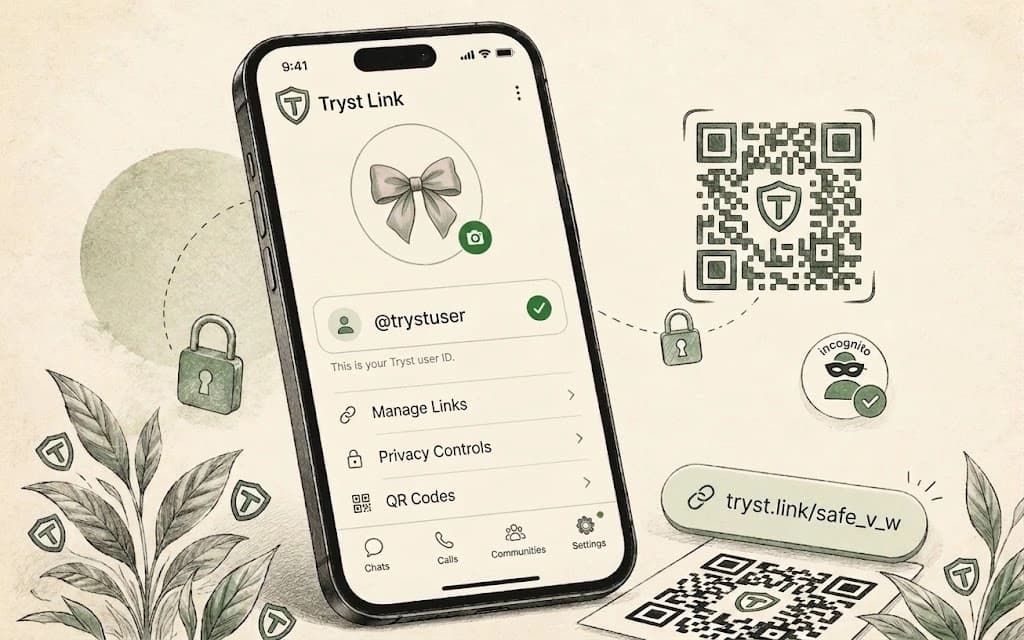
Tryst Link is a privacy-first URL shortener and browser-based QR code tool at trystlink.io. Learn what it does, how it works, and how it differs from similarly named websites.
Read more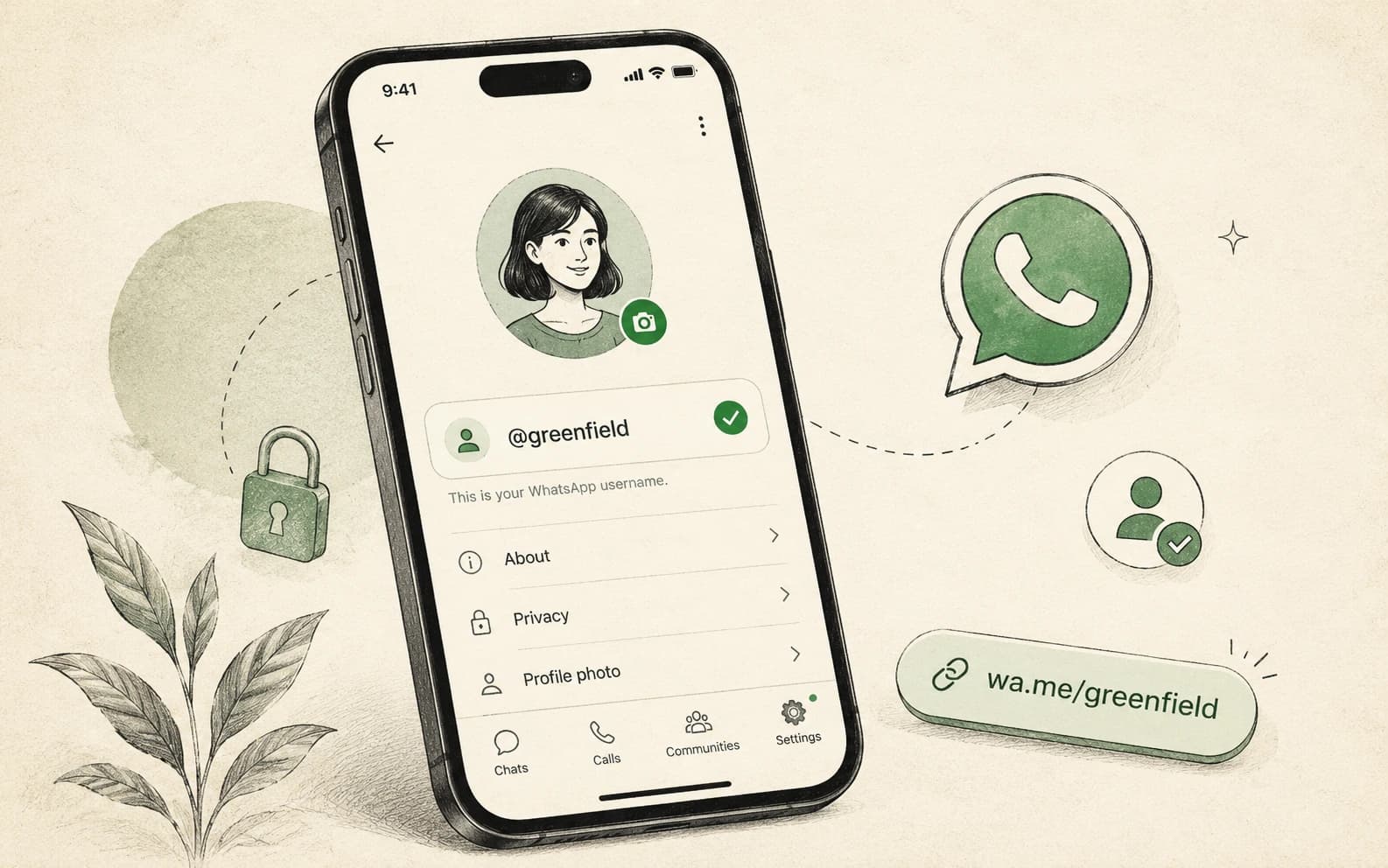
WhatsApp introduces global username reservations, closing a long-standing privacy gap. Here is how the rolling rollout affects personal privacy and business integrations.
Read more
Five Eyes agencies warn AI is shrinking exploit windows to hours. The Ivanti CVE-2026-10520 case shows this is already happening, not a future scenario.
Read moreThe web already has enough complicated tools.
Disclaimer: Tryst Link is not affiliated with Tryst.link or any independent escorts directory, adult-services platform, or similarly named third-party service.